GitLab
Credentials
Mantle uses a GitLab group access token for access to your org. We store the token encrypted at rest.
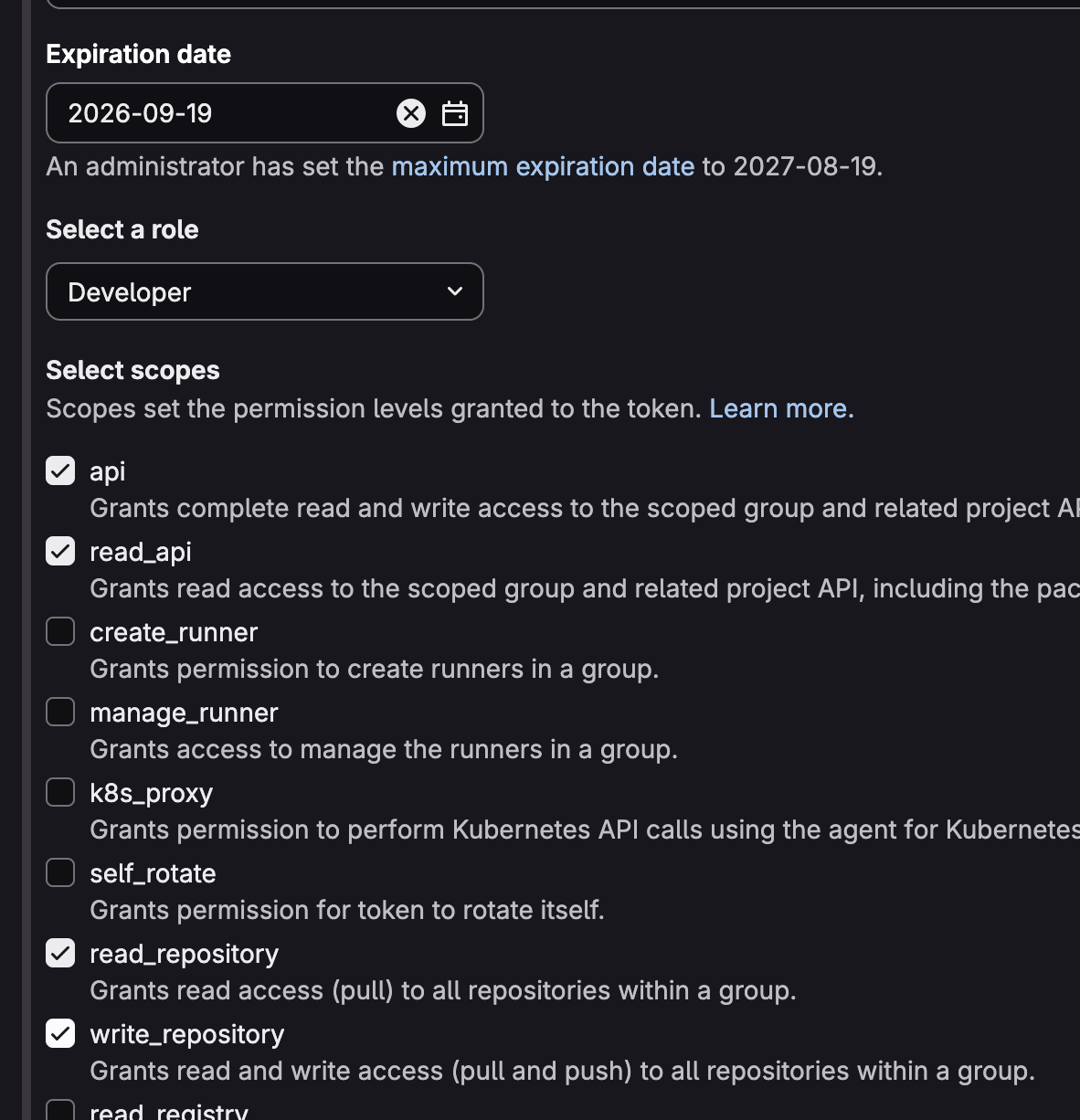
You should create a developer token including at least these scopes.
apiread_apiread_repositorywrite_repository
Recommended setup
- Go to:
https://gitlab.com/groups/<your-group>/-/settings/access_tokens - Select the above services that mantle will need to access.
- Create a group access token on gitlab.com for that namespace. Paste the token.
The integration starts in Draft. After you save the token, the status is Unverified. After the checks pass, the status is Connected. The backend then starts the first sync.
Backend checks
The backend has no Healthy status. A report passes when no check fails. A skipped check does not fail the report.
If the checks pass, the status is Connected. If a Connected integration fails a later check, the status is Action needed.
The backend runs these live checks:
gitlab.token_valid: accept the token.gitlab.group_access: confirmread_apiandread_repository, confirm a group access token, and confirm the token group matches the namespace..